Overview
Interactive feedback is key for language acquisition during childhood. That’s why story time is so crucial for young children. However, children in low-socioeconomic status (SES) households don’t have access to a lot of story time due to parents with limited time and resources. For my senior HCI capstone project, my team and I researched and developed an educational tool to help children in low SES families engage in active reading without adult guidance. Our team conducted expert interviews, made observations, synthesized data, iterated on designs, and delivered a final high fidelity prototype to our clients.
Team
5 members
Project Duration
14 weeks
Roles
Research, Prototyping, User Testing, UI/UX
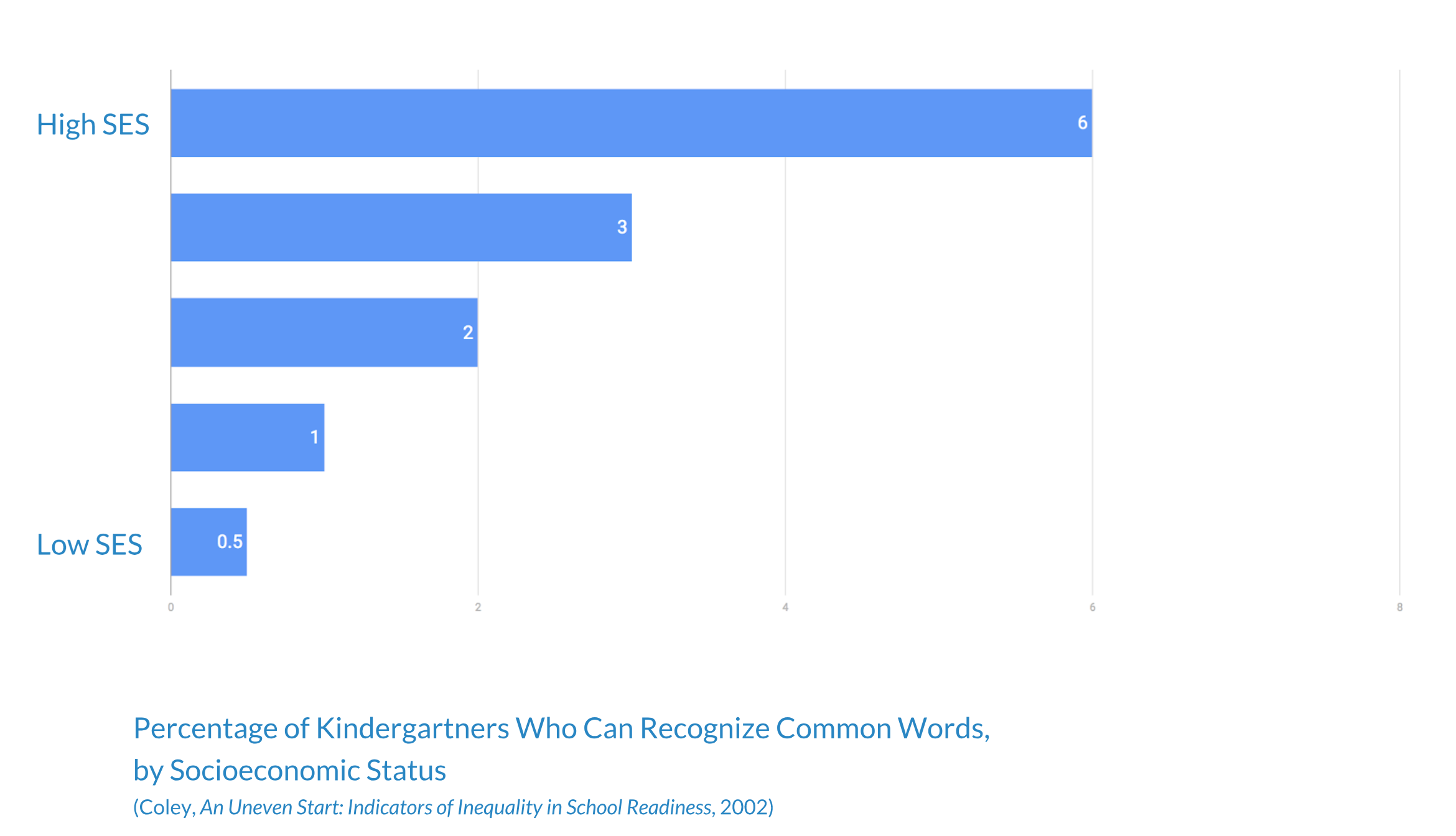
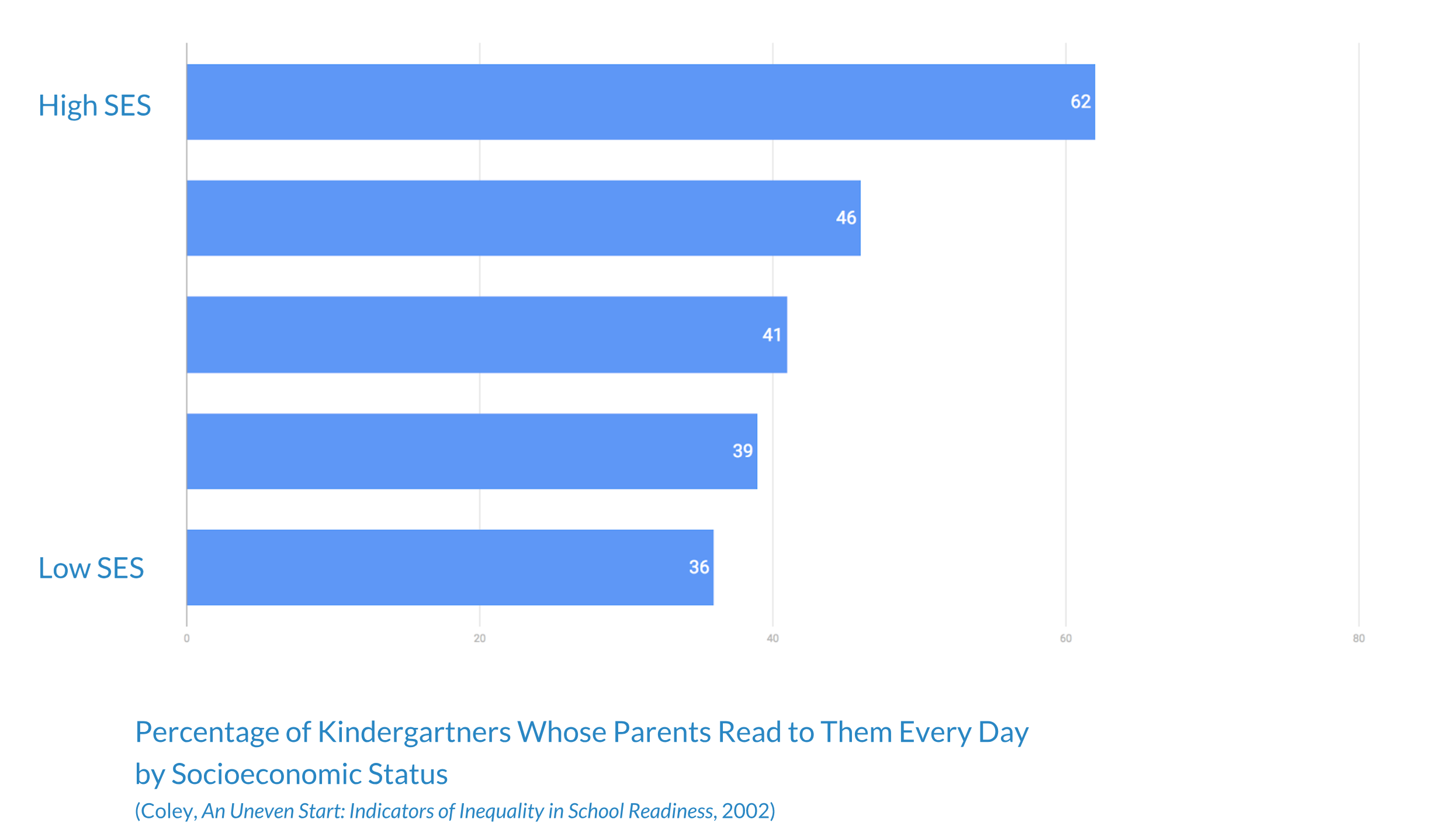
Prompt: Design a tablet application that motivates children to speak, leading to better language development.
Project Definition and Research Goals
Our client has engaged our team to improve their current digital book for iPad prototype so that it leads children to produce more utterances. Currently, the problem is that children are not interacting with the digital book. Our client wants a solution that will increase children’s utterances and can be used without instruction. Our deliverables include a user research report, a process report and design rationale, a working high fidelity prototype in iPad book format, and a user testing report.
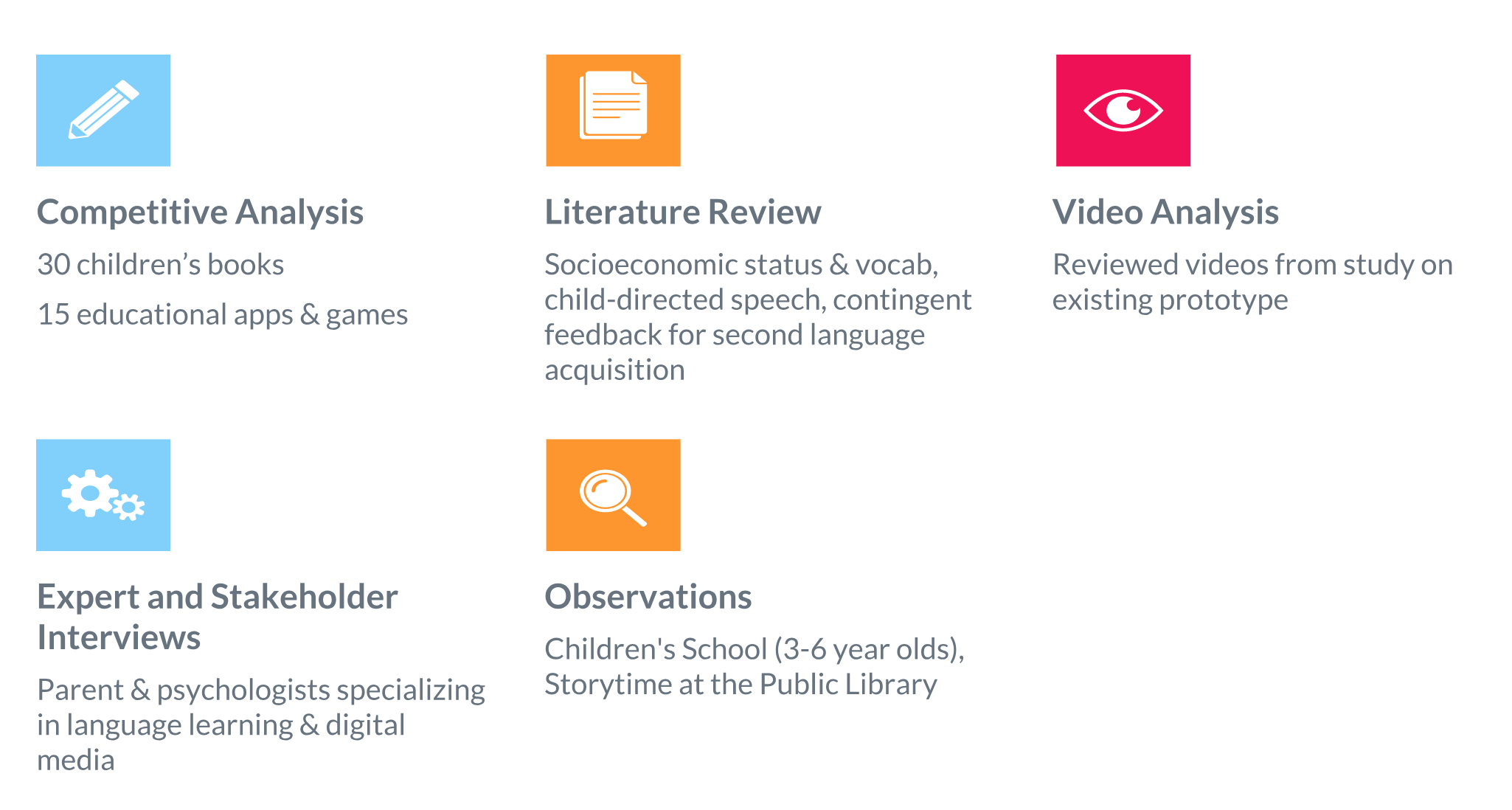
Research Methods
Research Insights
Through our research, we organized our findings into three main insights.
Children seek out familiar and personal experiences
Children gravitate towards people & social interactions
Children respond well to touch, movement and expressive speech
Ideating
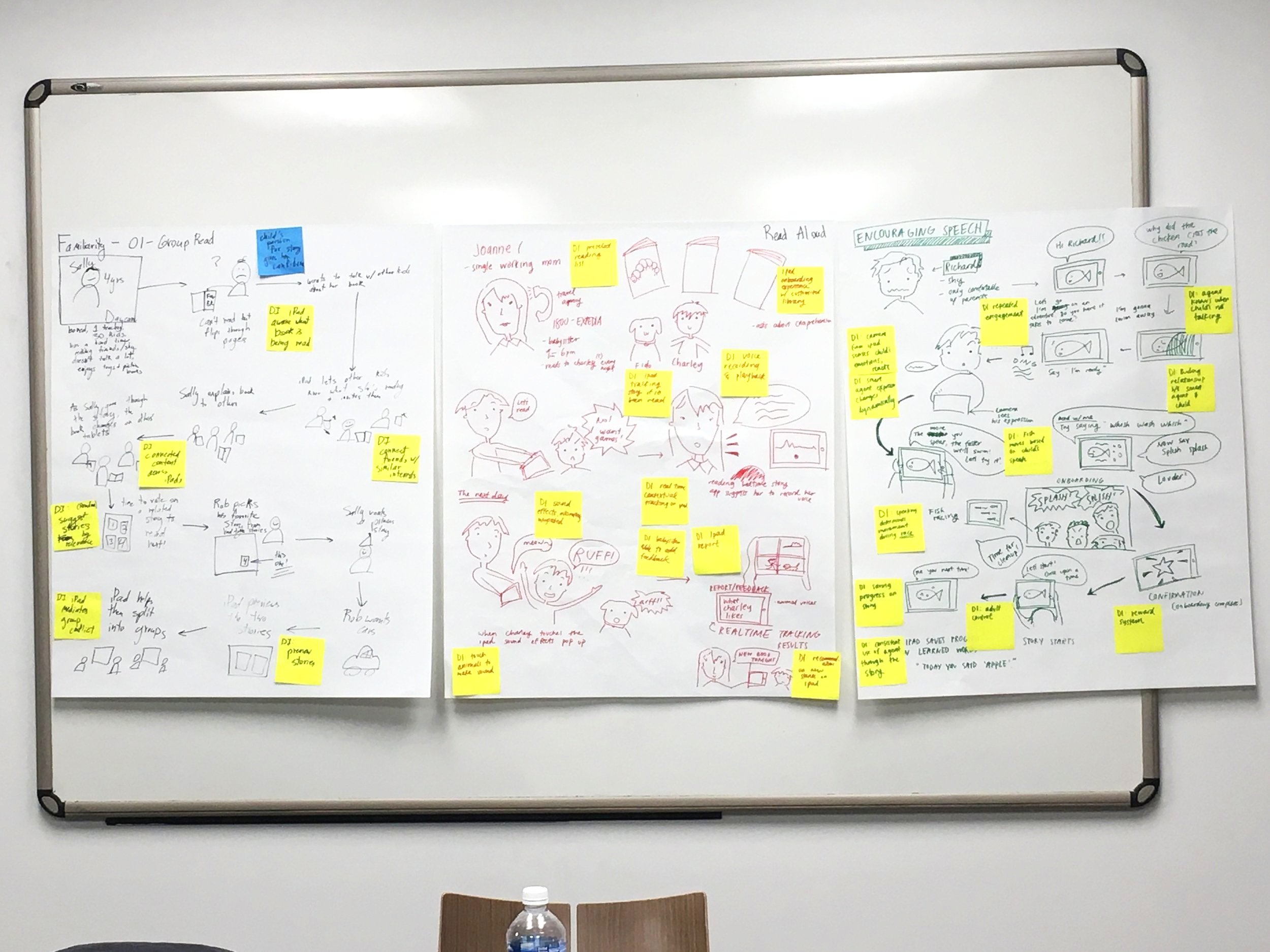
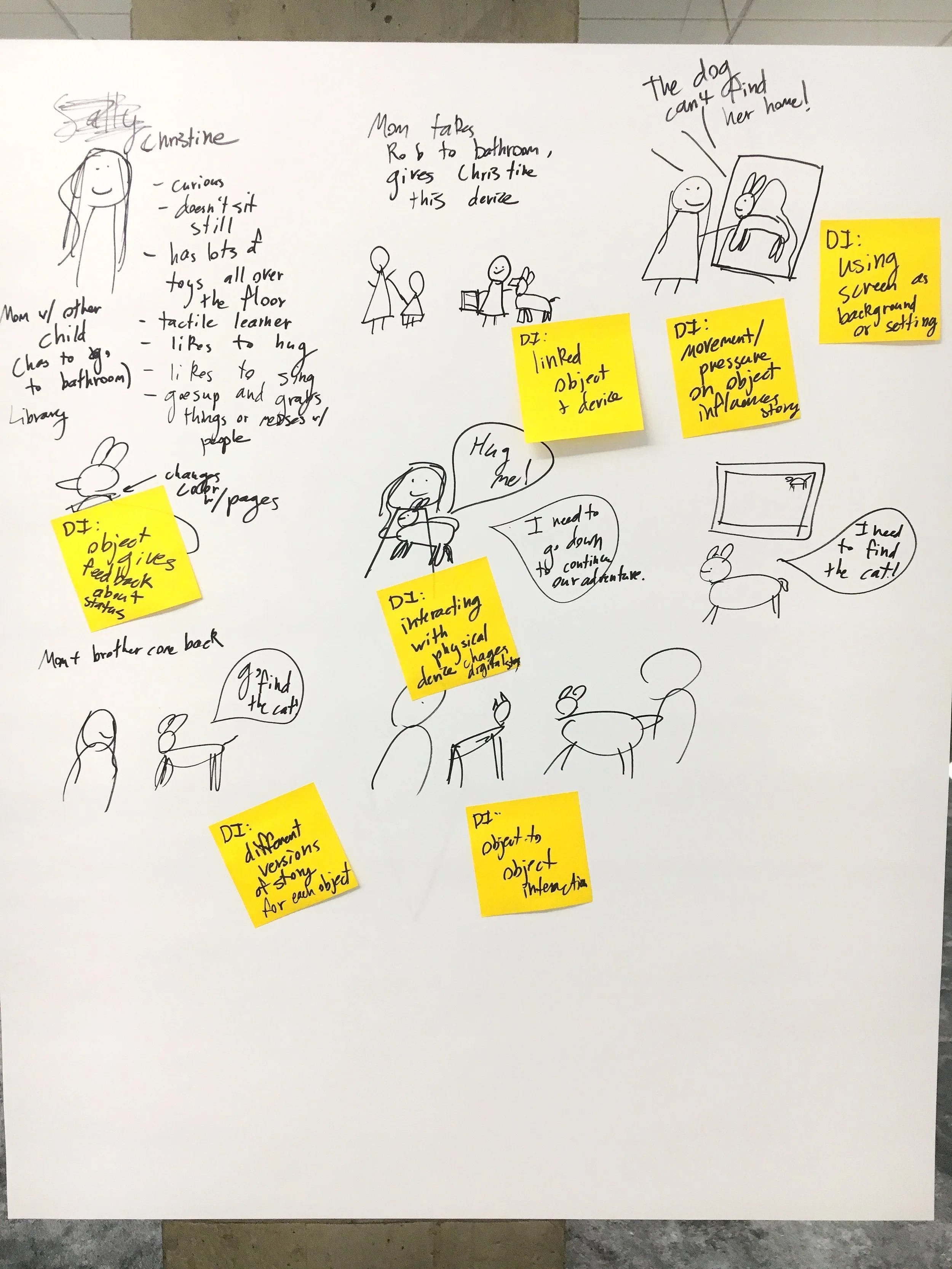
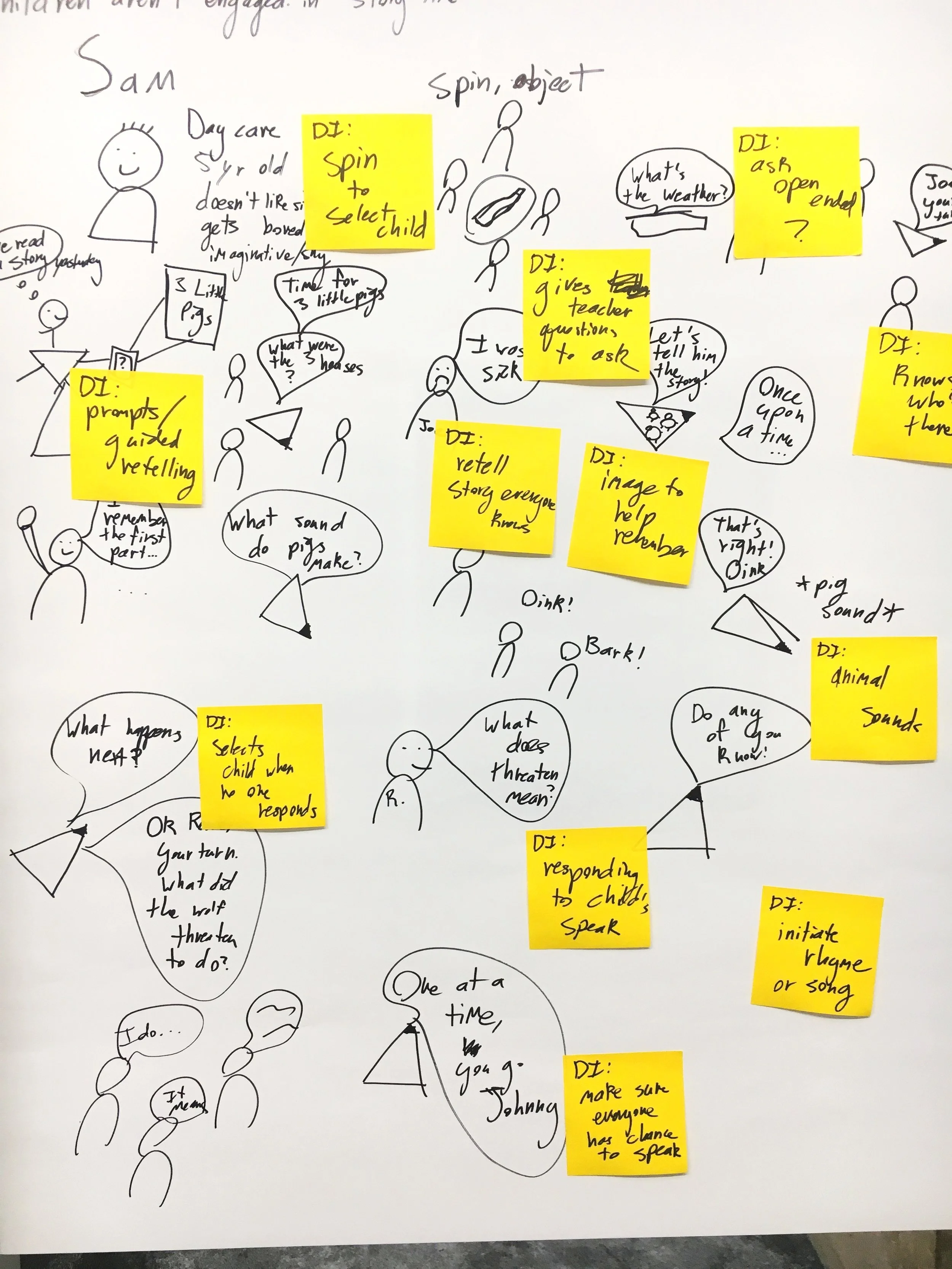
Over two ideation sessions, we looked at how a digital tool for promoting children’s vocabulary growth could function, designed studies to validate the most compelling design ideas, built prototypes to support these tests, and conducted research with 5-6 year old children. Our visions stemmed from our research, focusing on reading and social situations, interactive feedback, the inclusion of portraits, and the importance of familiar images and sounds. Our visioning session themes were: Group Reading, Read Aloud, Encouraging Speech, Question Prompts, Connecting Digital & Physical Worlds.
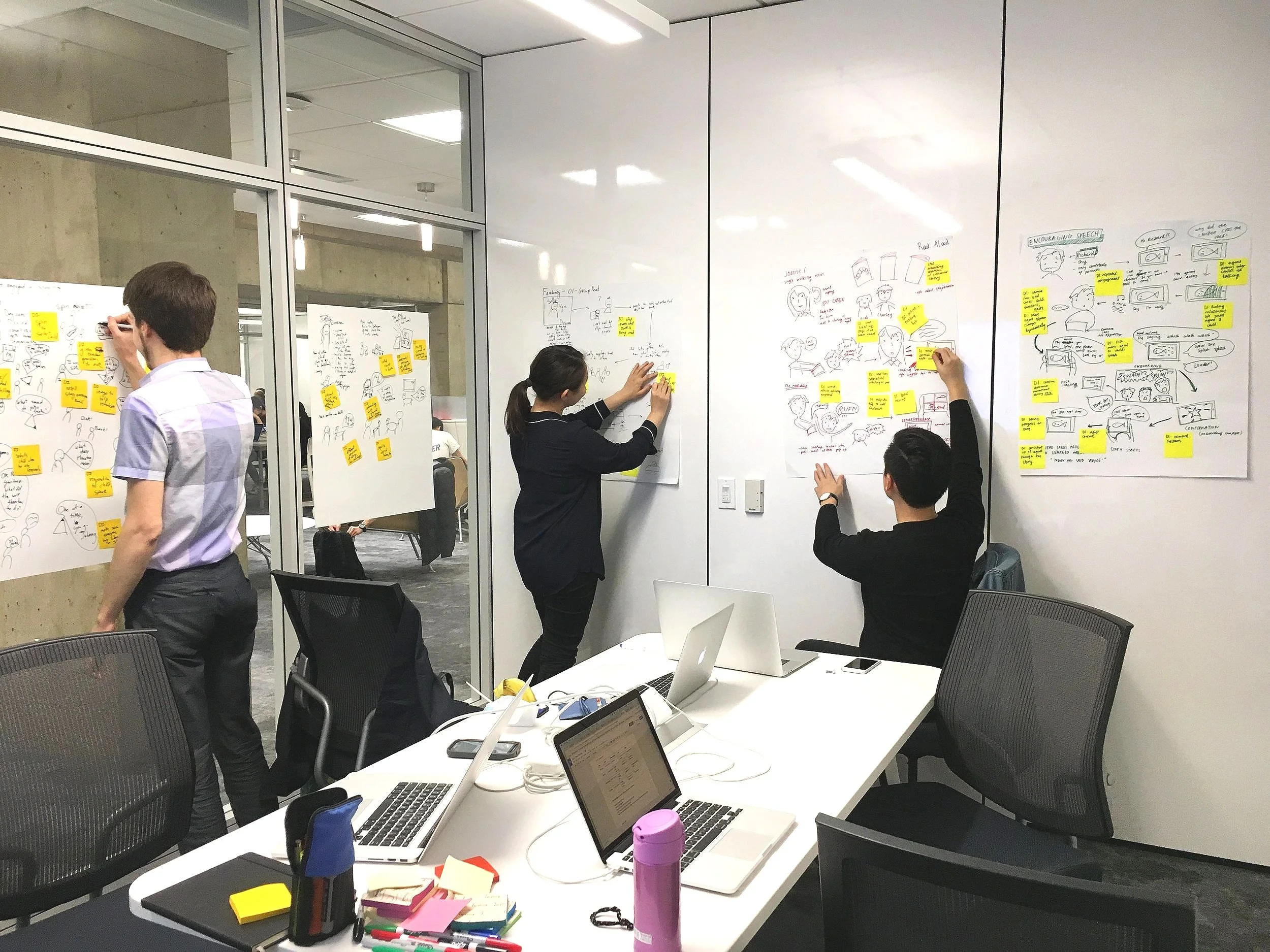
Early design ideas
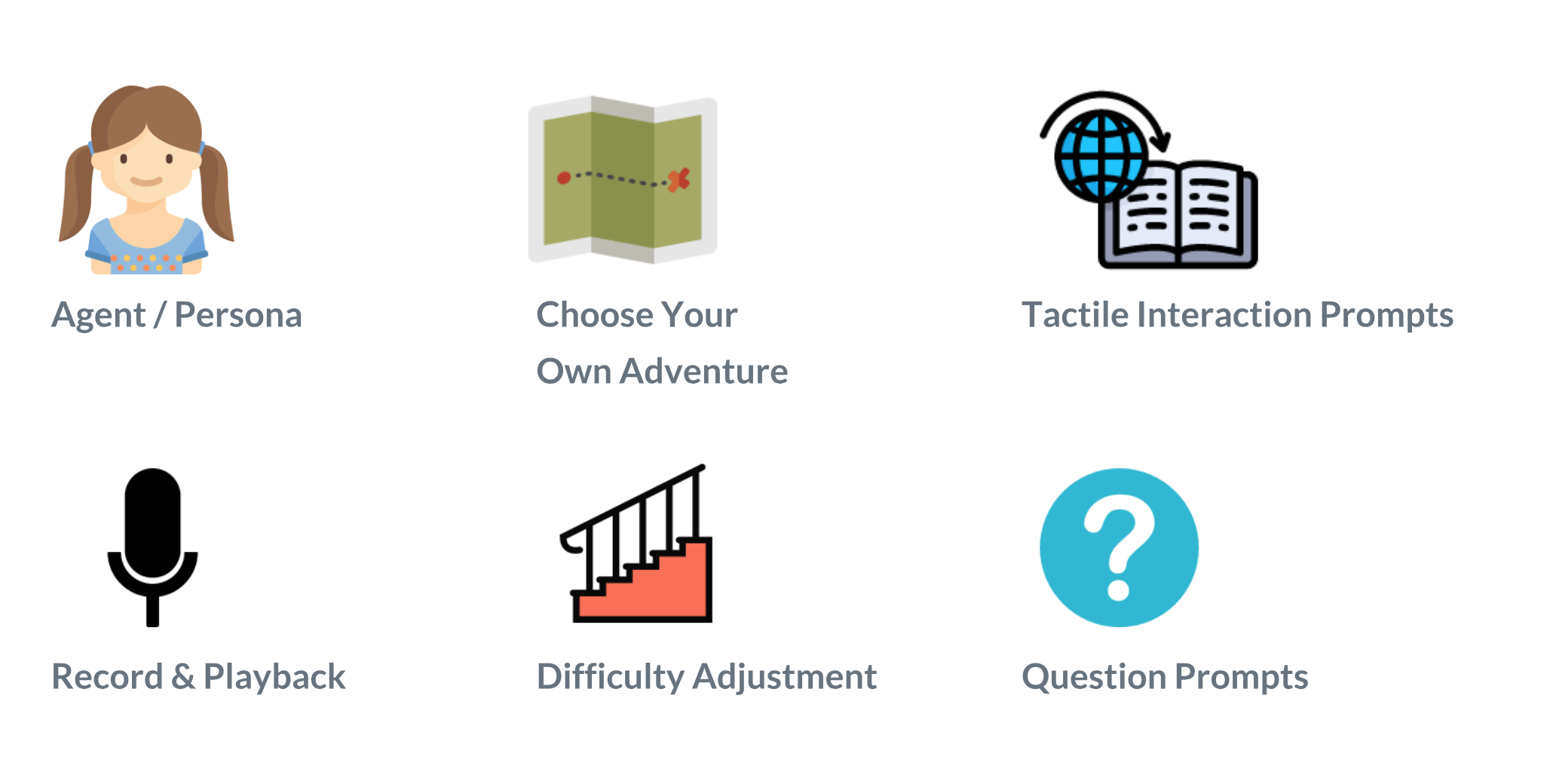
Through our ideation session, we came up with these early design ideas. Our next step was to test them through rapid prototyping
Rapid Prototyping and Testing
We then designed and iterated on four prototypes to answer our most important research questions. Using a children’s book, we tested several interactive story telling experiences.
-
We studied how superimposing faces of a child and their peers onto the characters of a storybook influences engagement.
-
We looked at the influence of the familiarity of the narrator’s voice by using the children’s teacher as a virtual narrator.
-
We gave children the opportunity to generate their own story and explored how this was influenced by the recency of hearing the story.
-
We explored how peer modeling and visual feedback influence engagement by inviting a pair of children to read the story.
Testing material
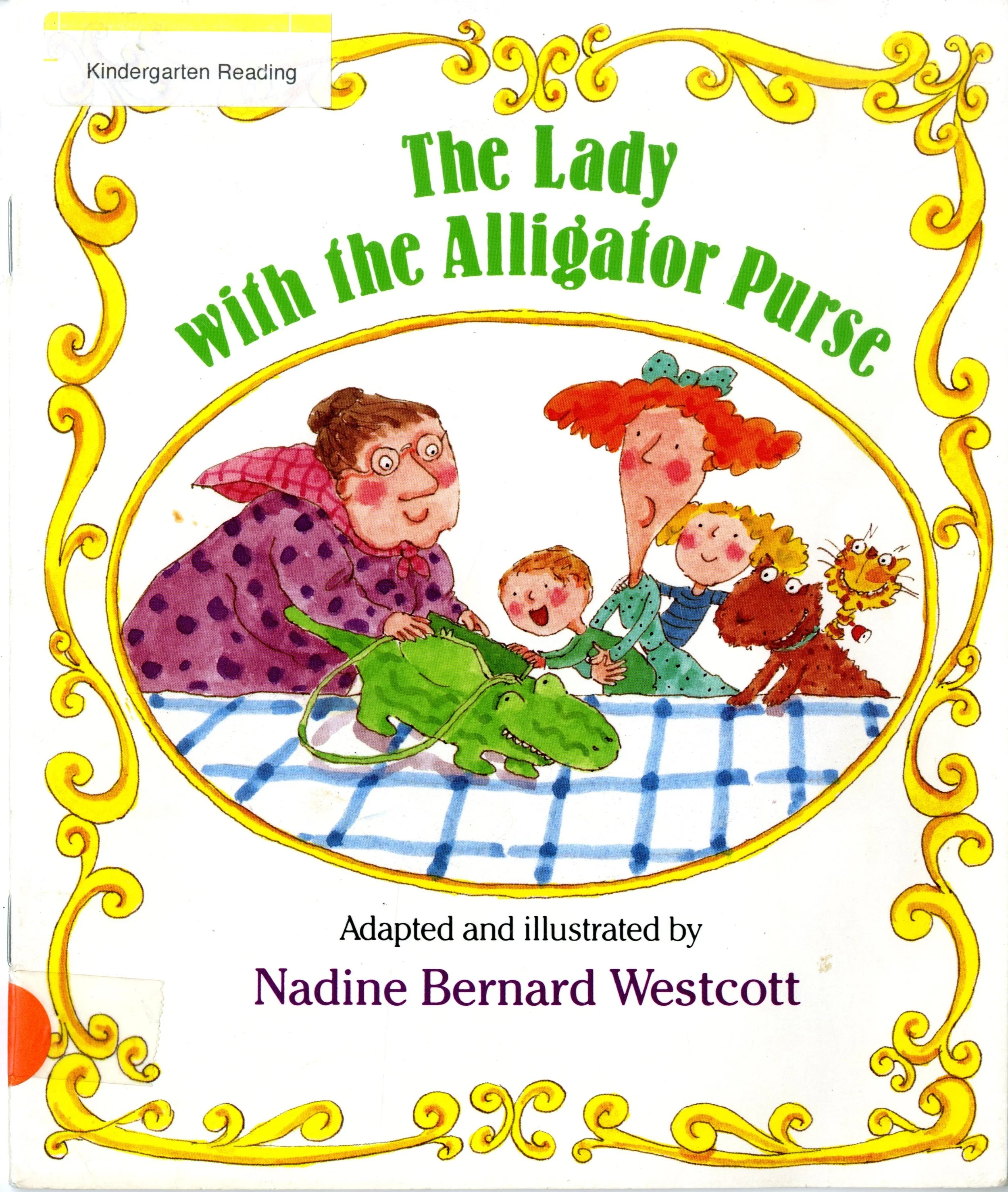
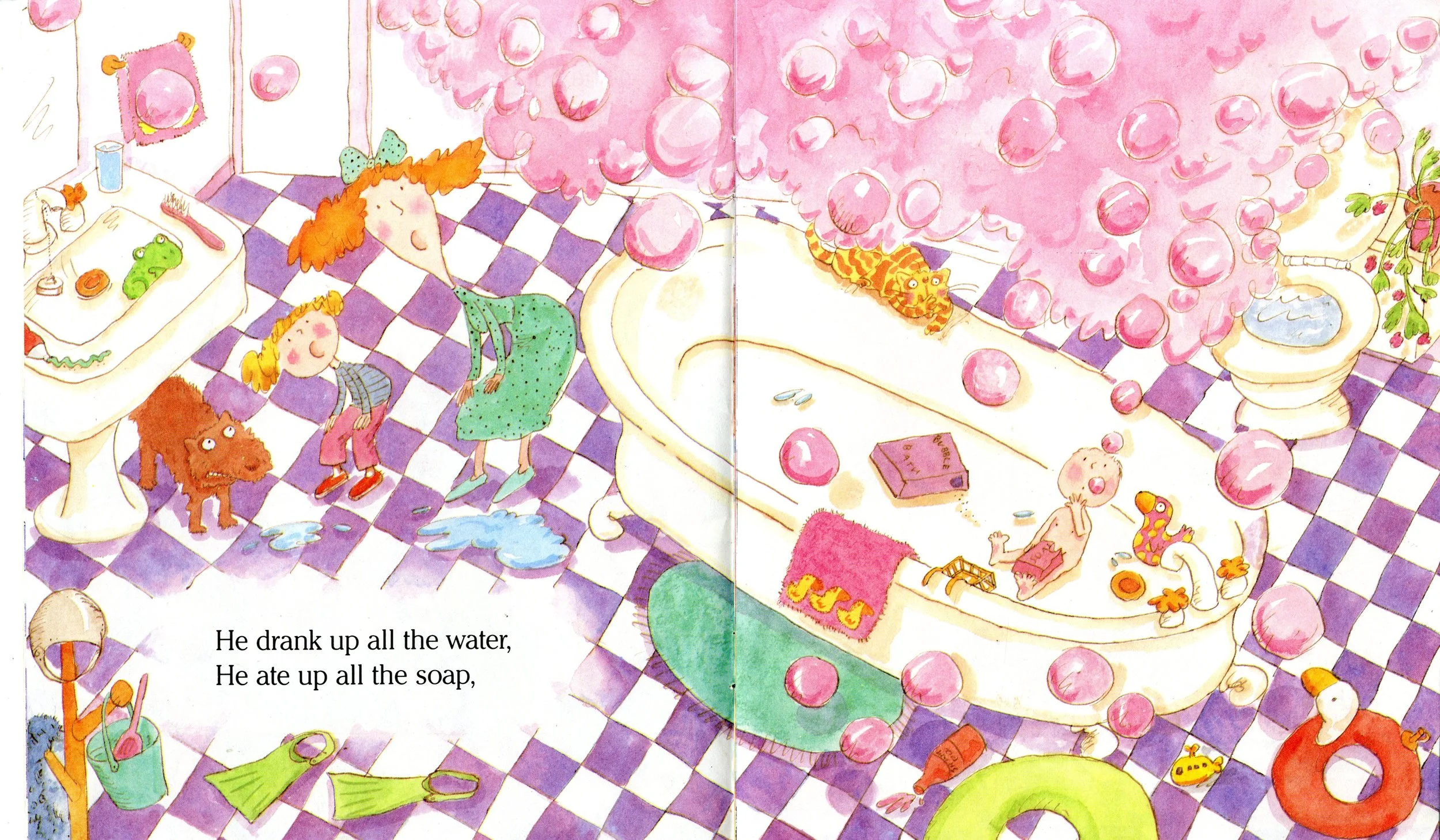
For our prototype, we used “The Lady with the Alligator Purse,” a children’s book appropriate the our target audience, children aged 5-6.
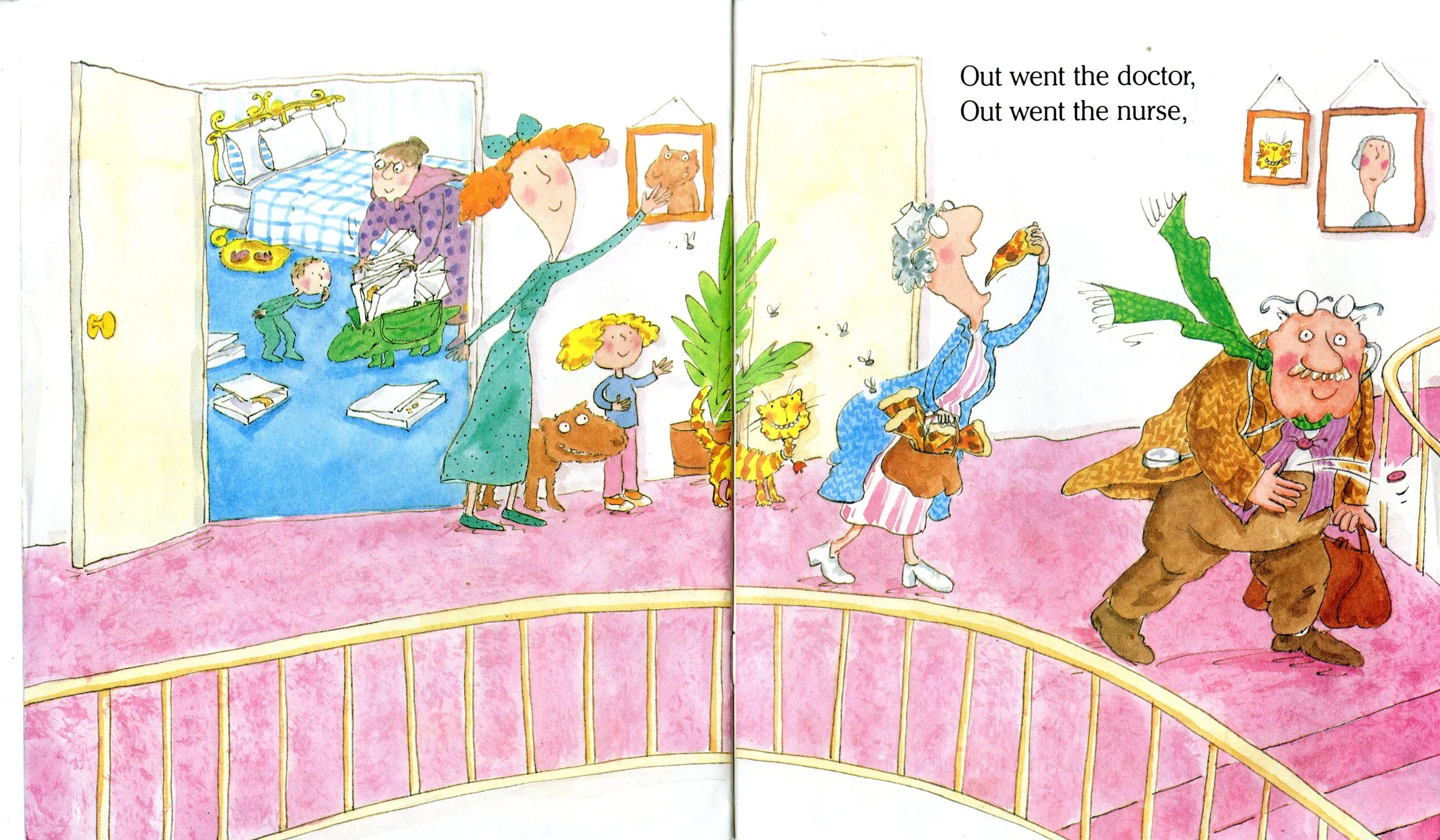
Children’s Faces
Are children more engaged when interacting with images of their faces/their peer’s faces? We superimposed pictures of children’s faces onto the characters and observed an increased amount of excitement and speaking. “Haha, the doctor is Bob and the nurse is Alice!”
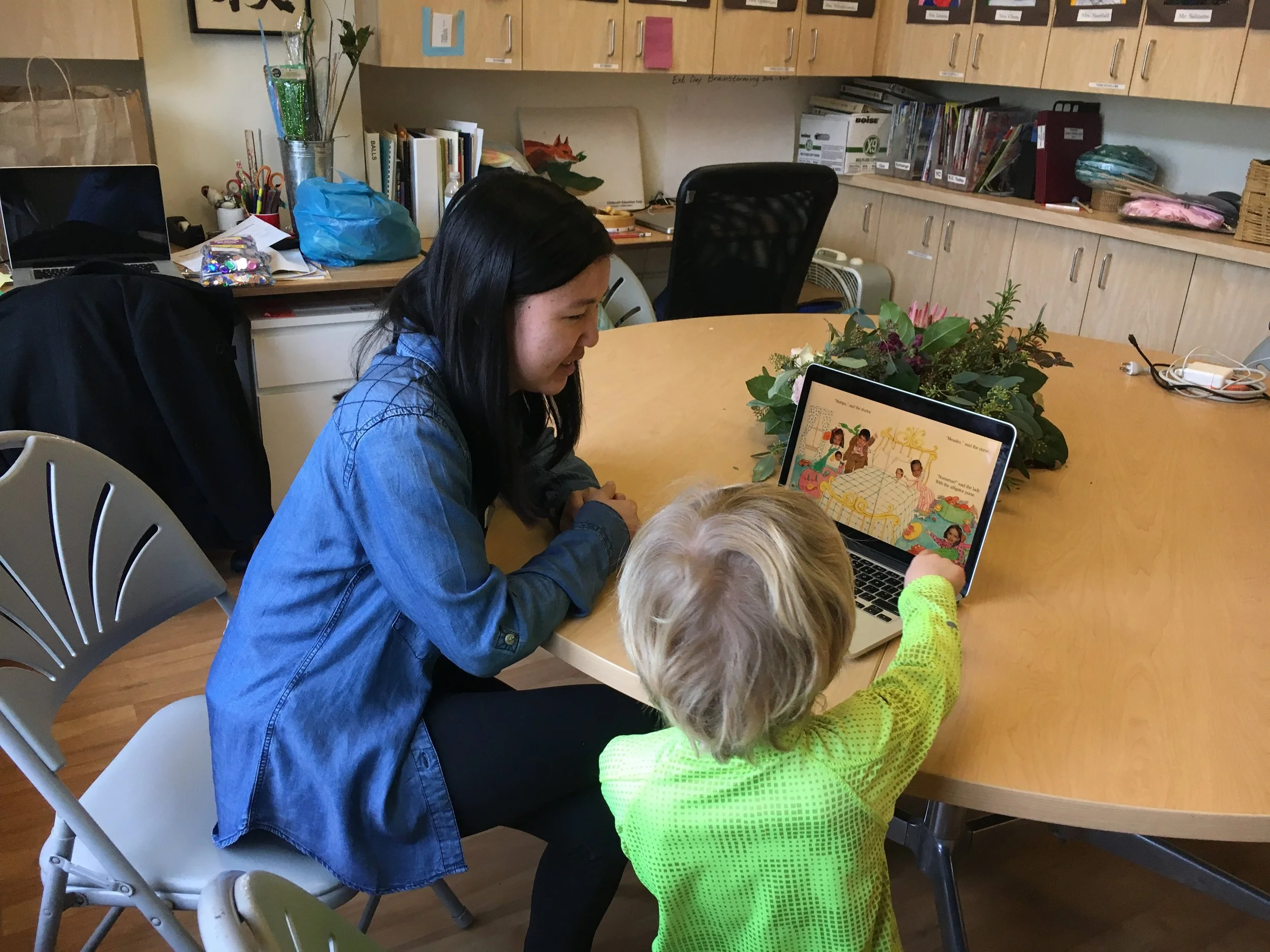
Familiar vs Unfamiliar
Research question: Do children respond better to familiar voices such as their teacher’s? We found that children responded to both teacher and stranger narrators, but were more engaged with the teacher narrator who had a wider range of facial expressions.
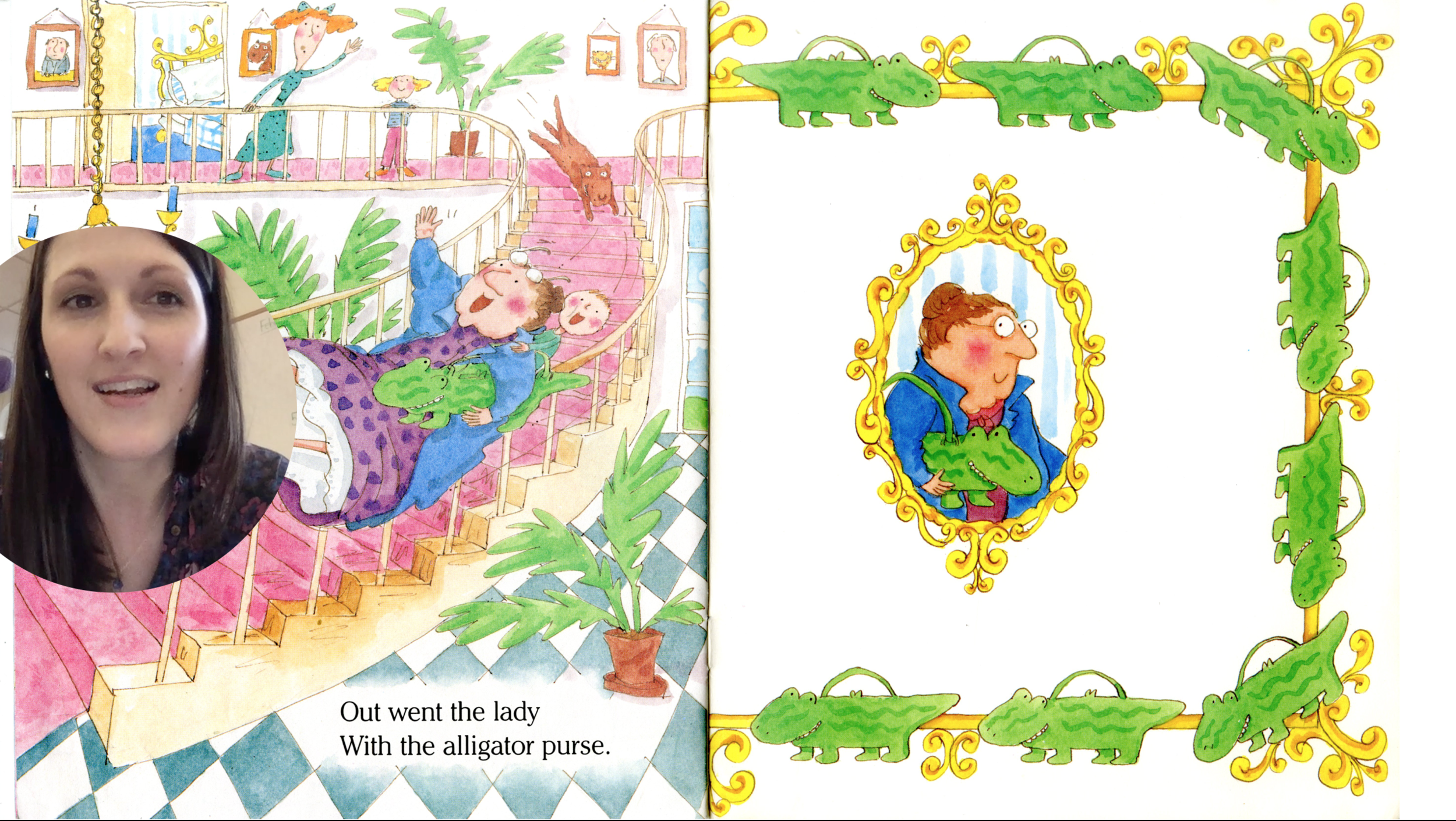
Retelling the Story
How do children react when prompted to retell a story? We noticed that more confident children enjoyed the opportunity to tell the story while shyer children hesitated to speak due to the vague prompt.
Peer modeling
How does the presence of a peer affect the amount of speaking? Through our observations we noticed that the more advanced or outspoken child would help the more hesitant child, and this peer feedback was helpful in encouraging more speech.
Moving forward in the project, we planed to generate design ideas based on the results of these tests. Based on our observations, we created a medium fidelity prototype for further testing with the features we found to be most effective.
Mid-fi Prototyping
After testing out some of our initial questions, it was time to narrow our focus and use our research findings to help us make design decisions for our application.
Questions
Will children speak to an iPad without an adult?
How to encourage shy children to speak?
Which narrator is more engaging: video/avatar?
Should page turning be speech-driven or manual?
Challenges
On-boarding: Motivating children to interact with the iPad
Feedback is critical to learning but hard for a machine to give
Interaction throughout the book
How to turn pages
How to increase vocal production
Study Format
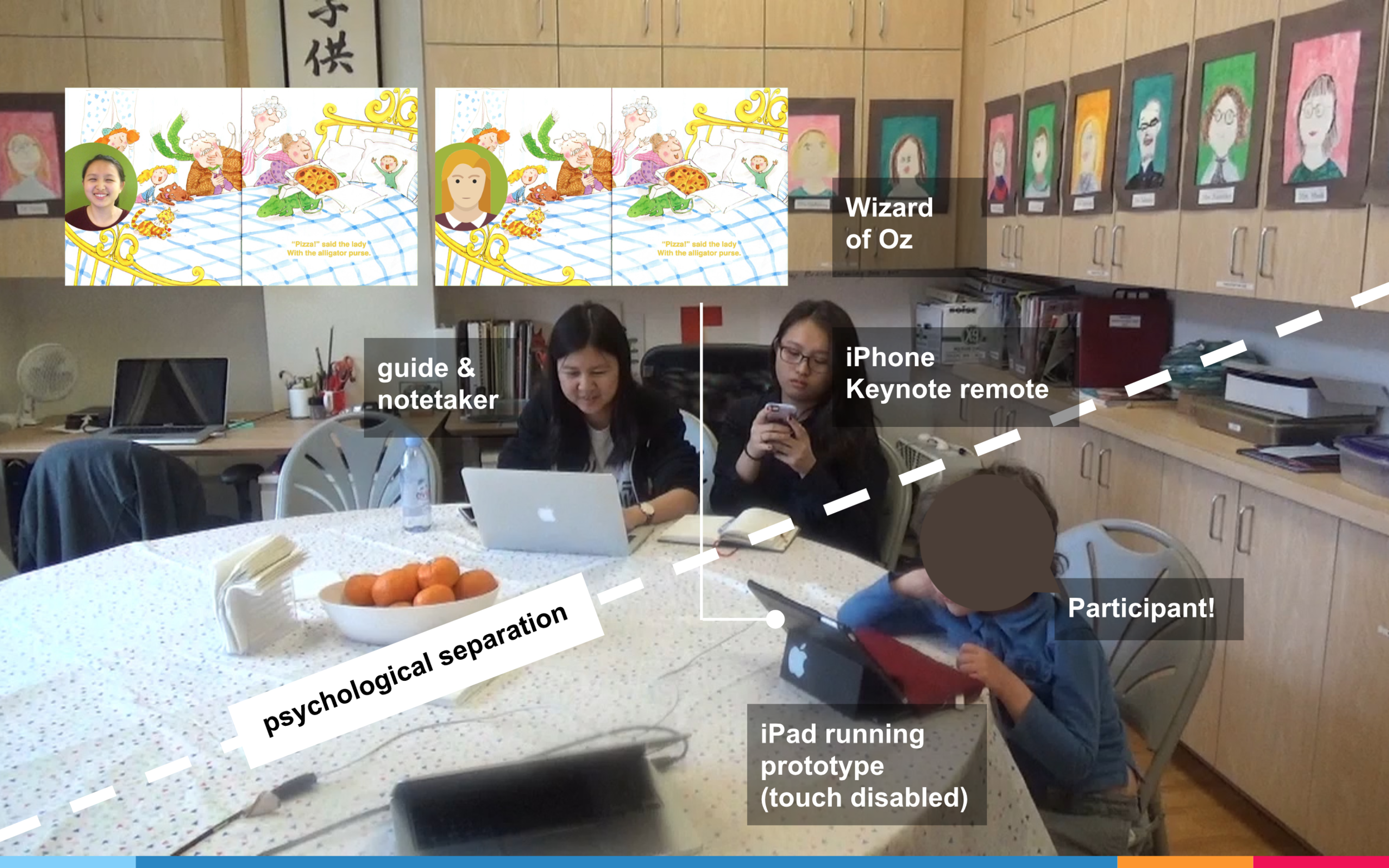
The study was conducted in a Wizard of Oz fashion to convey how the iPad prototype would respond based on how the child interacted with it. The prototype was built using Keynote and the story screen would advance after a child pressed a button, finished reading a page, or answered a question, depending on the test condition. The researcher serving as the Wizard changed the screen of the iPad using her iPhone which served as the remote. The study included six Kindergarten participants, age five to six, split equally across the two conditions. There was a slight physical separation between the participant and the researchers and the participants were told that the researchers would be occupied with other work while they played the game on the iPad. The intent of this barrier was to remove as many external variables as possible that would bias the results.
Mid-fi Prototype
On-boarding
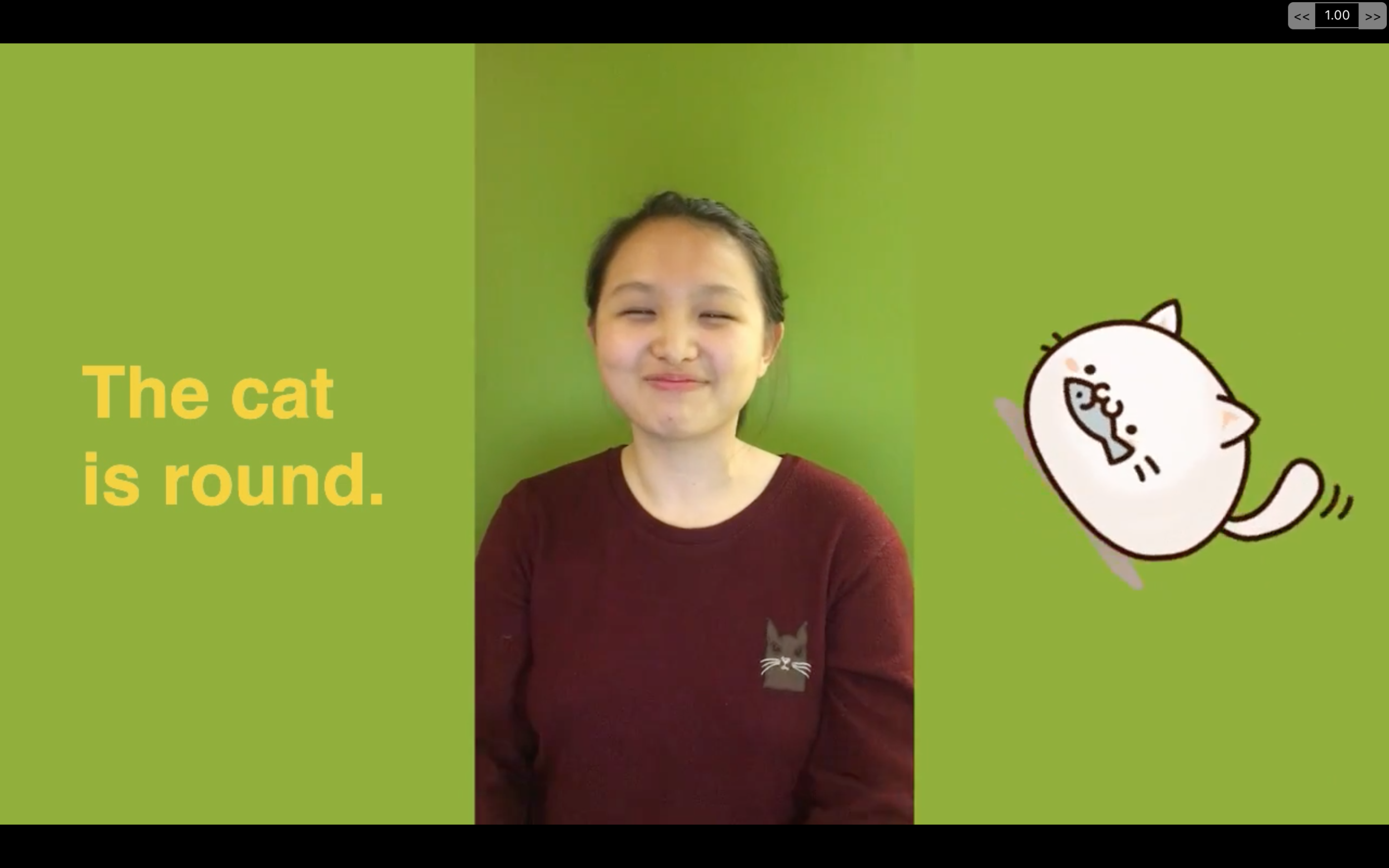
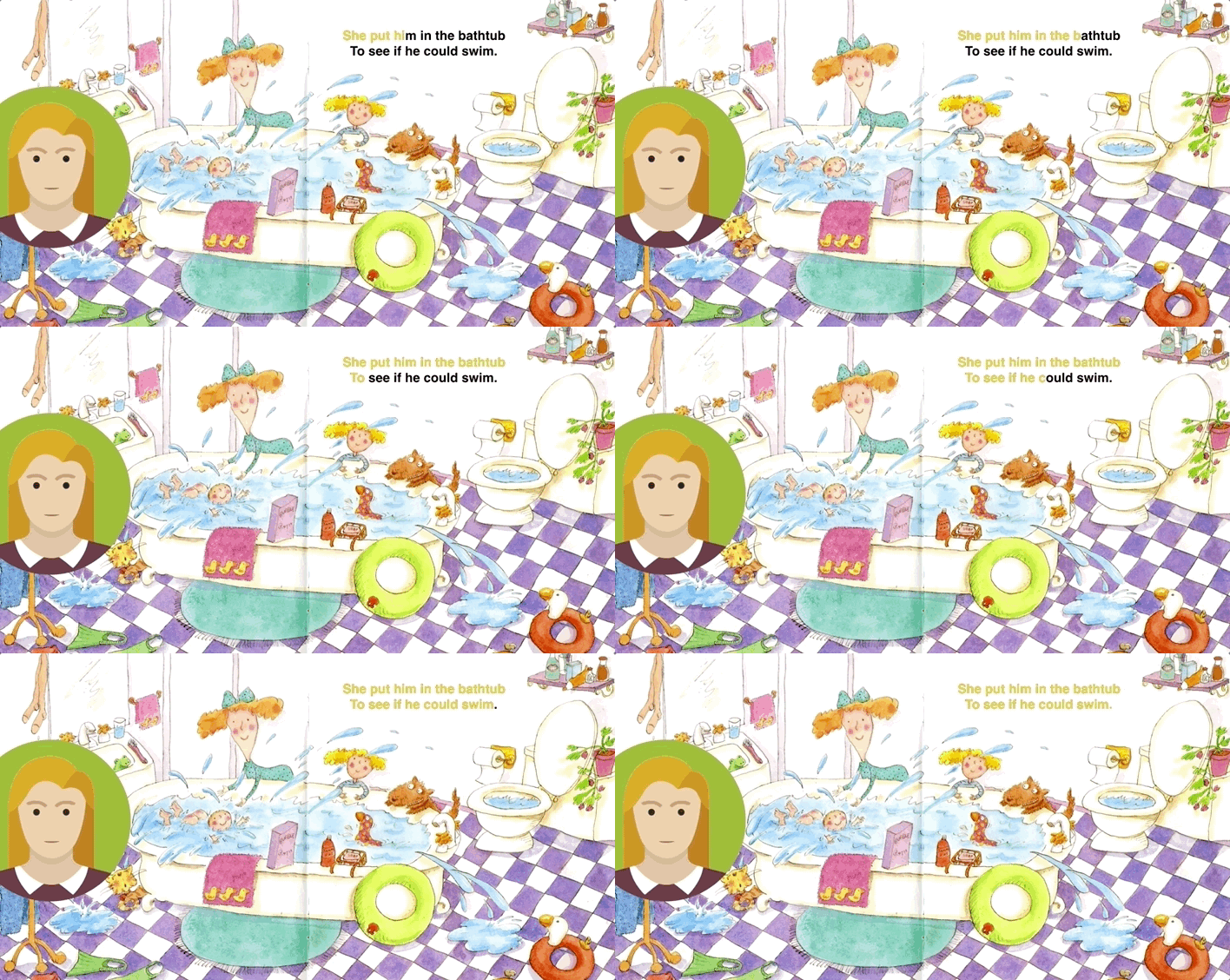
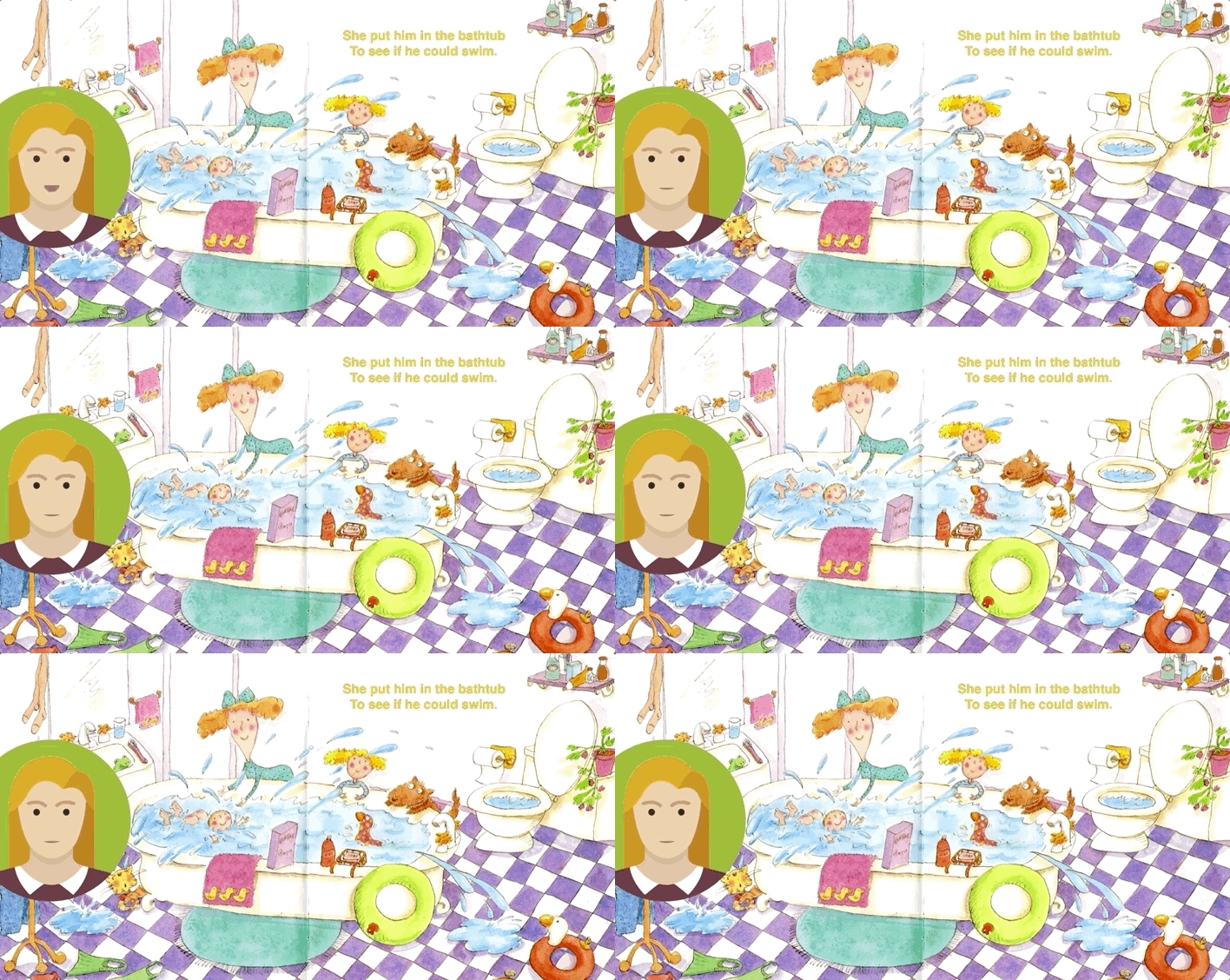
For our on-boarding process, we started by asking children simple questions such as their name to elicit speech. The main variables we tested were narrator format and interactions for story progressions. In terms of narrator format, we recorded our team member providing instructions for the on-boarding process and reading the story. In the first condition, the screen showed a video recording of our team member along with her voice, while in the second condition, an animated avatar was accompanied her voice.
Page Turning Interactions
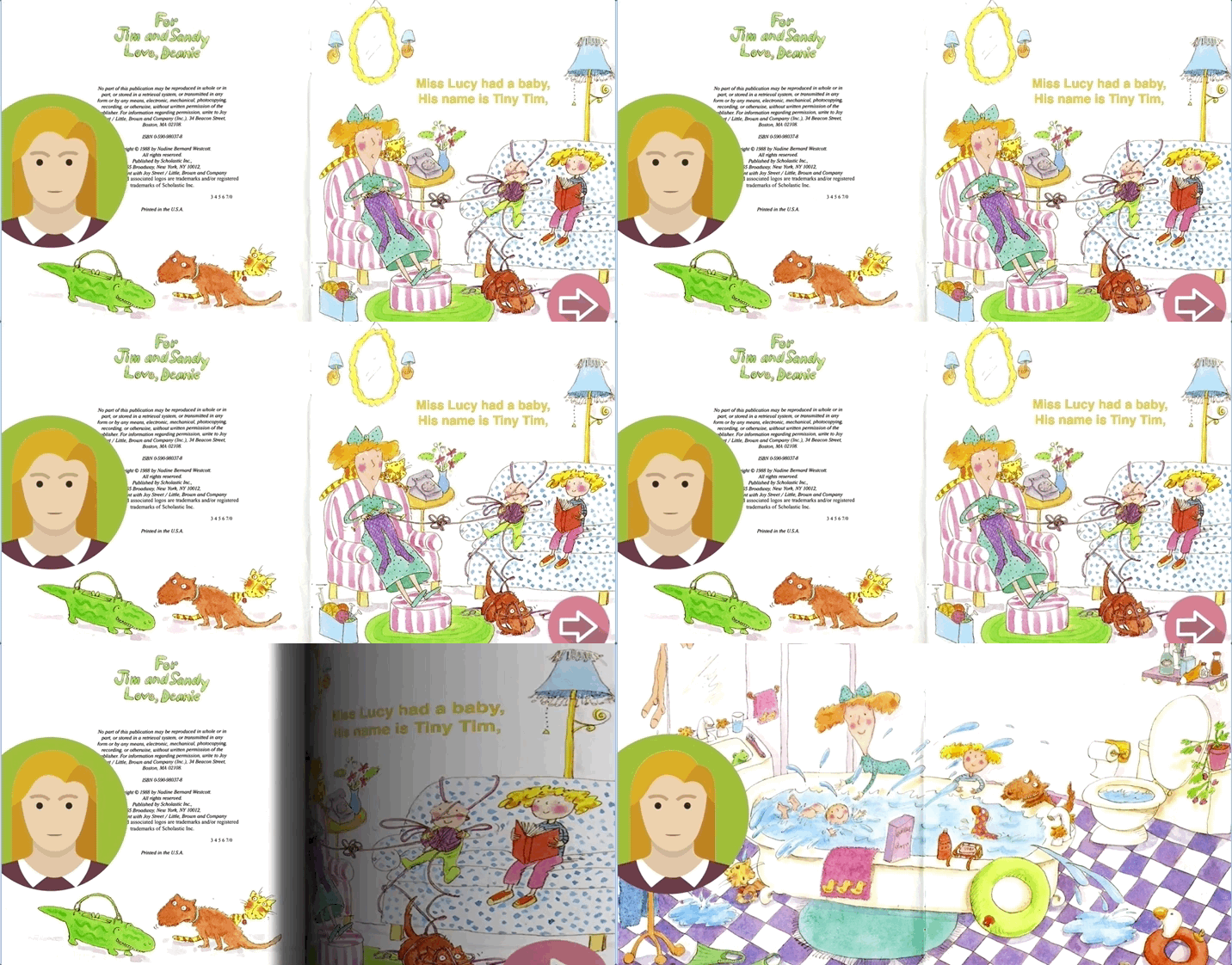
In terms of the interactions for story progression, we tested two different conditions and randomized which participant was provided with which condition. The story either waited for a child to respond before automatically turning the page, or prompted the child to turn the page after completion by displaying an animated button. We saw that children liked being in control of page turning, and intuitively knew to press the next page arrow once its size began pulsing.
More interactions
Throughout the story, we had the narrator ask questions to engage the child. We also included animations as rewards for reading completion.
Observations and Takeaways
The children were engaged by the prototype and all of them spoke to it to some degree. Children responded verbally to the prompts and questions the narrator spoke in a very natural way, providing evidence that children are willing to relate to a digital narrator as they would to an adult reading to them. Children responded similarly to the narrator in both the video and avatar conditions. While there were no differences in response rate, children seemed to stay more engaged with the video narrator longer than with the avatar. Children got a lot of joy out of the animations that were created by moving portions of the illustrations, as seen by big smiles and leaning into the iPad. One design idea we wished to explore future was introducing a rewards system to further incentivize children to speak.
Hi-fi Prototype and Final Deliverables
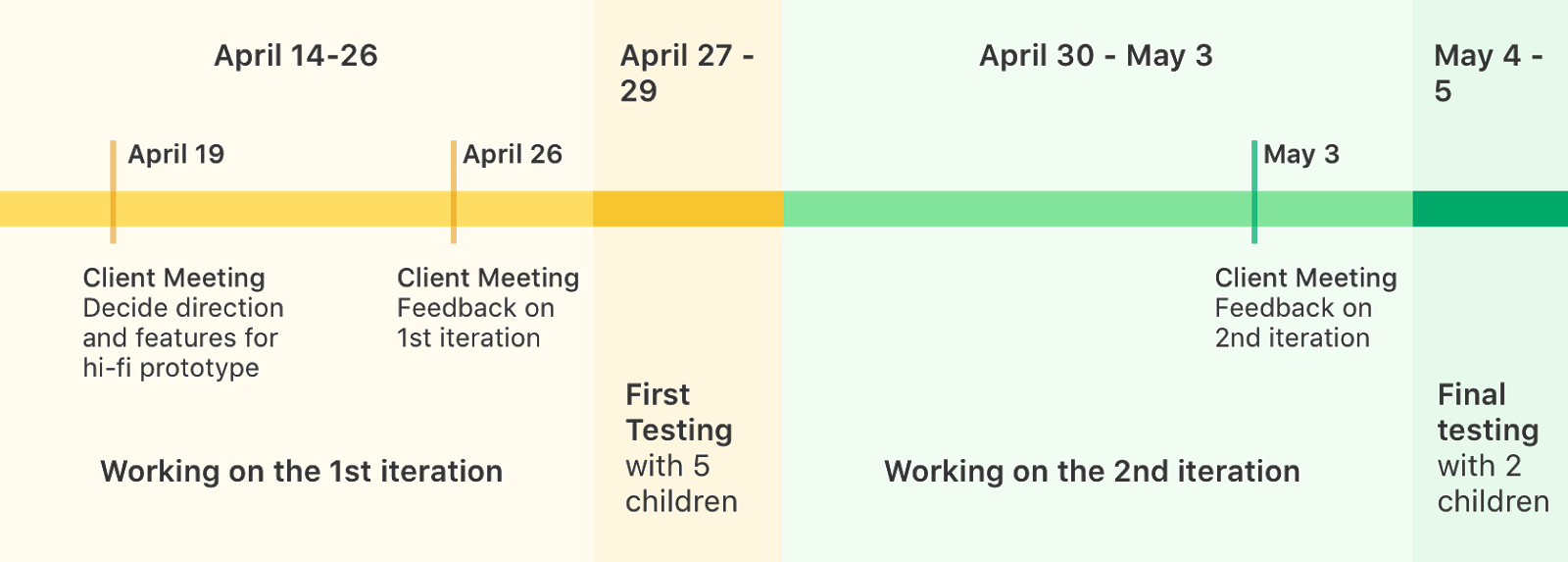
We aimed to test how effective a reward system was in the prototype. The first iteration prototype consisted of using a star system to create a reward concept, while the second iteration involved collecting illustrations in the story as “trophies”. The tapping interaction was also introduced as a way for the child to tap an image of the narrator on the prototype to repeat a phrase if they had trouble recalling it. We aimed to observe how children reacted to a more diverse range of engaging and personal facial expressions, gestures and responses.
Hi-fi Project Timeline
Testing Environment
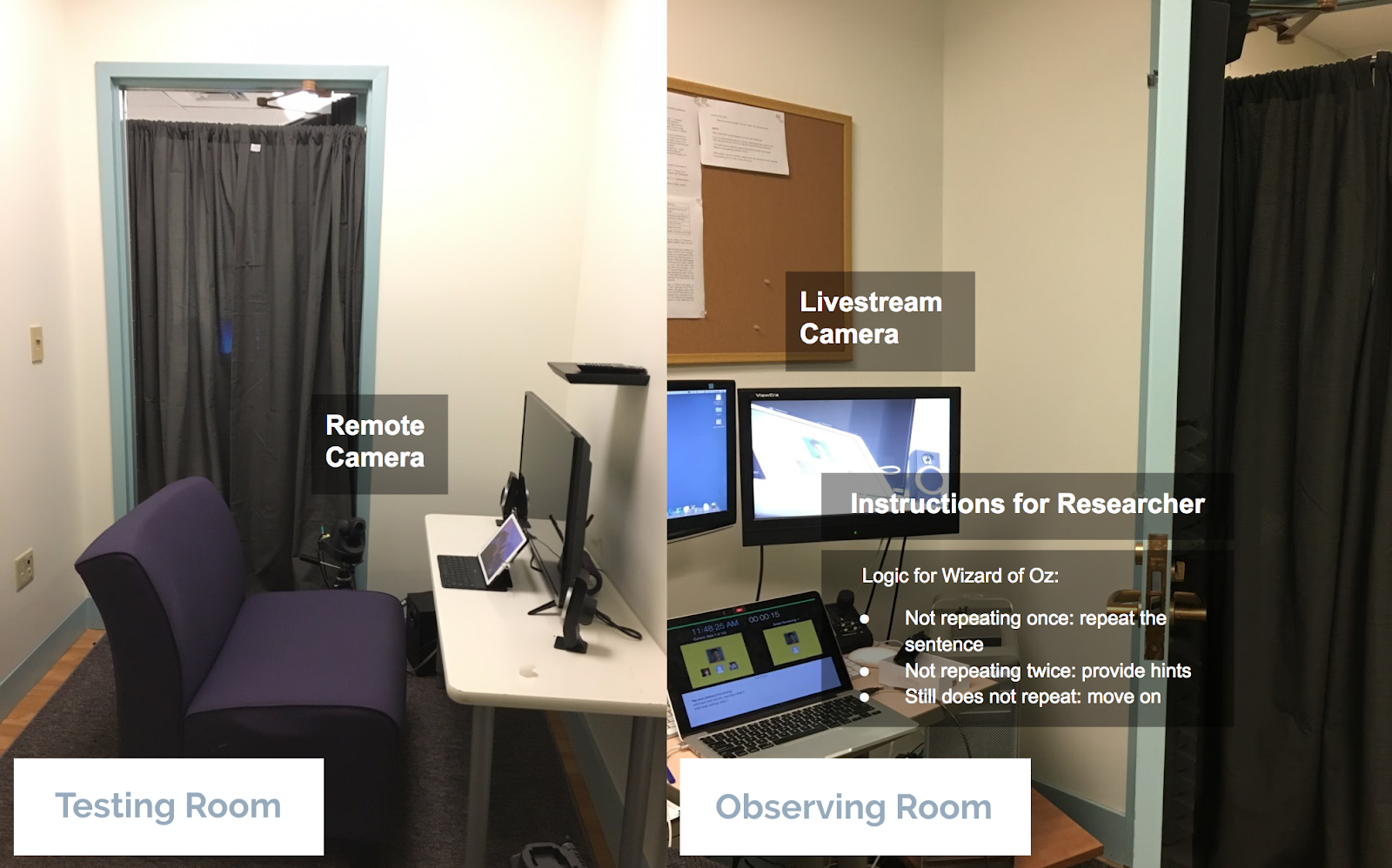
There were two researchers in the room, one that served as the video recorder and the other as the Wizard of Oz. To separate the participants and the researchers, the participant interacted with the iPad in an adjacent room to the researcher’s room. A remote camera was placed in the testing room to view the participant’s interaction. The researcher serving as the Wizard of Oz simultaneously looked at the monitor while controlling the prototype.
Storytelling
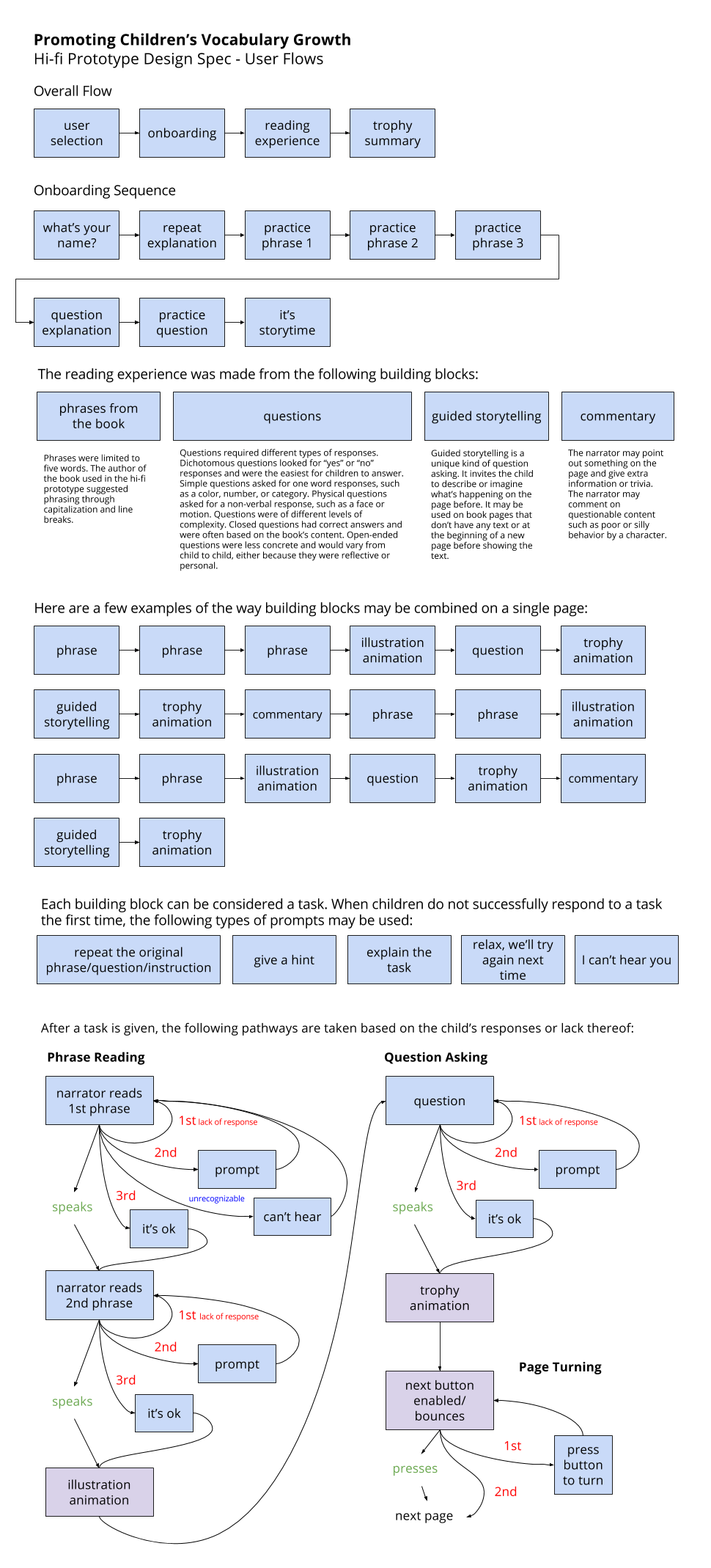
UX flow
Final hi-fi prototype
Our final prototype included a video of a smart agent serving as the narrator who reads the story to the children and prompts them with questions throughout the whole story. From our user testing sessions in the low-fi and mid-fi phases, we confirmed that having videos in the prototype is good for engagement and encouraging children to speak. We included an on-boarding portion that enables children to be familiar with interacting with the digital device and establishes a connection between the smart agent and the child.
A few features that we identified as top priority to include in the hi-fi prototype are a reward system that can motivate children to go through the whole book, hints that can reduce the hurdle of answering questions, a turn indicator with a photo of the child to indicate whose turn it is to talk, as well as a repeat option to hear the phrases again.
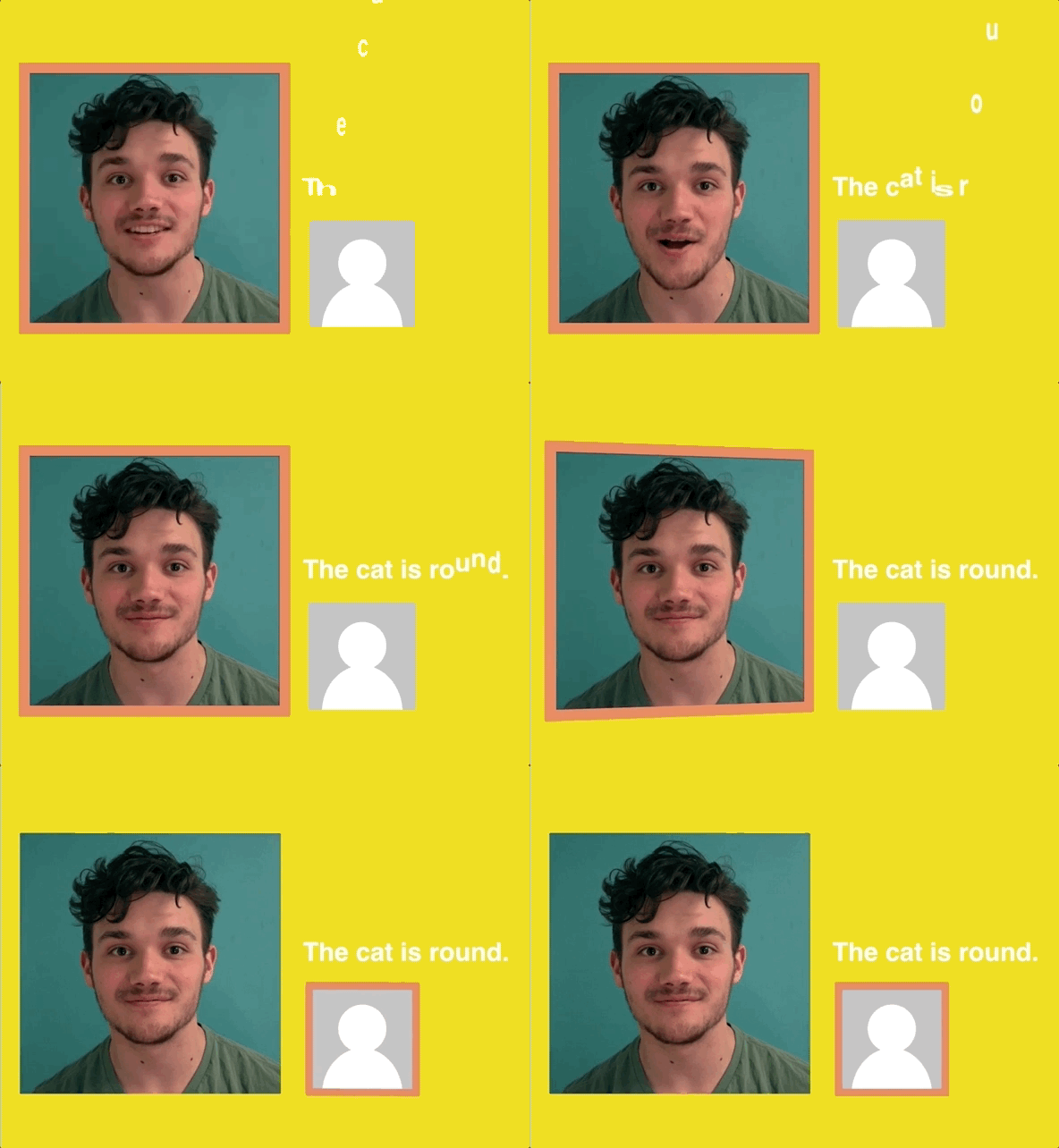
We inserted a photo of the child who was going through the experience.
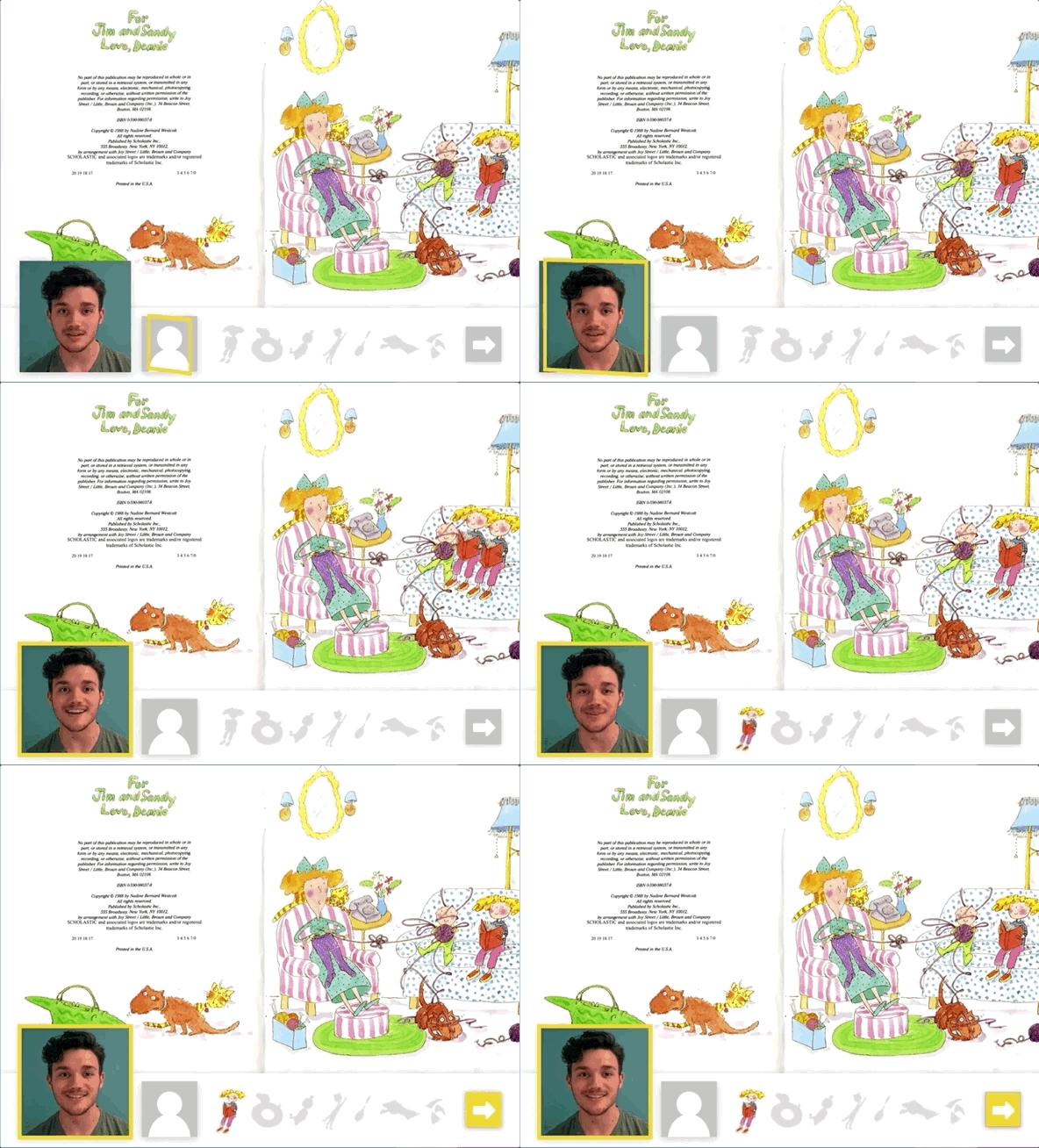
Positive affirmation from the narrator, trophy collection, and page turning interaction
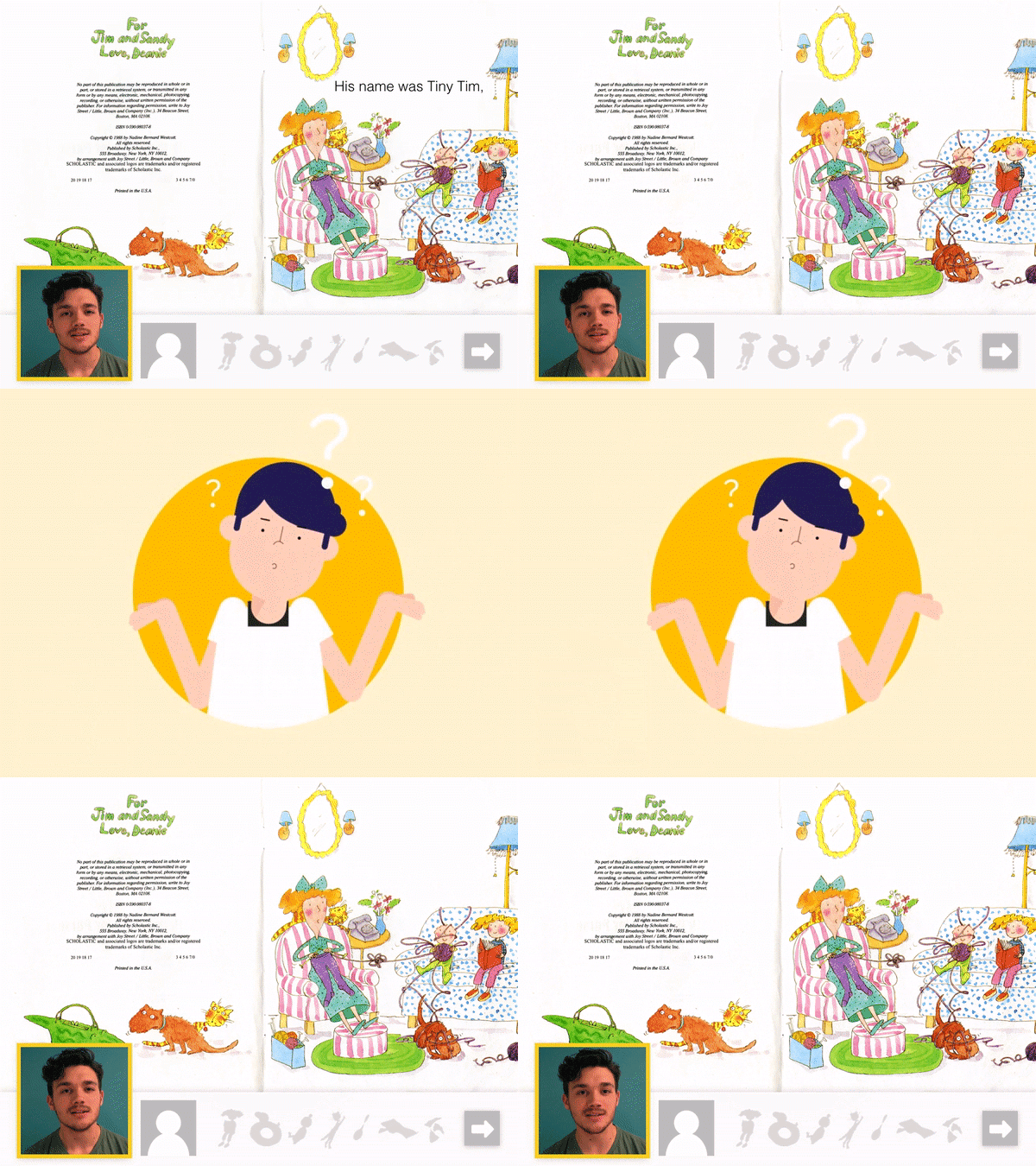
Narrator asks whether they have any brothers or sisters, prompting further dialogue.

At the of the story, we show a summary of all the trophies the child has collected
Results
From our hi-fi prototypes, we saw successes in children’s willingness to interact with the iPad. All of the children responded immediately with their name when prompted by the narrator avatar on the iPad. During our observations at story time with the teachers at the Children’s School, we noticed common behaviors such as use of facial expressions and onomatopoeia. We experimented with these behaviors in our hi-fi prototype and noticed that it was successful in engaging children, especially the younger ones. For example, one of the questions was to ask a child, “What face would you make if you ate soap?” We saw that most of the children understood the question and made some kind of a silly face.
Conclusion
Over the past 14 weeks, we expanded the concept of a digital storybook to make the application usable without adult guidance, integrate touch and speech interactions, and engage children in novel ways inspired by natural behavior. We designed an on-boarding flow and summary page to the application’s sequence. We augmented the user interface reading experience with a narrator, photo of the child, turn indicator, next page button, and the concept of trophies. We designed a modular reading framework that includes new “building blocks” such as question asking, storytelling, and commentary.
Through the prototyping and testing of these concepts we have shown children, from shy to confident, will relate to a video-based narrator with similar interest to reading with a co-located adult. The child is given control over the experience through manual page progression and animations and trophies they earn with their speech. We look forward to the impact an implemented version of the application will have in the lab and in the wild.